Image Background Remover
What is an Image Background Remover?
An image background remover is a tool that isolates the main subject of a picture and makes everything behind it transparent. The result is a cutout that you can drop onto a new color, a product page, a slide, or another photo without the original backdrop coming along for the ride.
This tool performs the work entirely in your browser. That means your image is never uploaded, and your files stay on your device. It accepts JPEG, PNG, and WebP images up to 10 MB and offers three ways to remove a background: an automatic AI mode, a color threshold mode, and a manual brush.
The automatic mode uses an AI model that runs locally and is downloaded once on first use, roughly 25 MB, then cached for later visits. The threshold mode is ideal for plain or single-color backgrounds: you click the color to remove and adjust a tolerance slider. The brush mode lets you paint green to keep or red to remove, with a size control and an undo for the last stroke.
When you are happy with the result, you can export it as a transparent PNG or re-encode it to WebP or AVIF with a quality slider, then download it or copy it to the clipboard. The panel also shows the original and result file sizes so you can see the impact of the format and quality you chose.
Key Concepts
- Auto (AI) mode — removes the background automatically with a model that runs locally.
- Color threshold mode — picks a background color and removes pixels within a tolerance.
- Manual brush mode — paint to keep or erase, with a brush size and undo.
- Local processing — images never leave your browser and are never uploaded.
- Model caching — the AI model downloads about 25 MB once and is cached afterward.
- Transparent export — save as PNG, WebP, or AVIF with an adjustable quality.
How to Remove Image Background
- Upload an image by clicking the upload area or dragging and dropping a JPEG, PNG, or WebP file up to 10 MB.
- Choose a mode: Auto Remove for AI removal, Color Threshold for simple backgrounds, or Manual Brush to refine edges.
- Refine the result by adjusting the tolerance or painting with the keep and remove brushes, using undo as needed.
- Pick an output format: export as PNG, or re-encode to WebP or AVIF and set the quality slider.
- Download or copy the transparent image, and compare the original and result file sizes.
Modes and Output Reference
Three removal modes cover most situations. Choose the one that matches your image.
| Mode | Best for | Controls |
|---|---|---|
| Auto Remove | Photos with a clear subject. | Runs the AI model; no manual settings. |
| Color Threshold | Plain or single-color backgrounds. | Click to pick a color and adjust the tolerance slider. |
| Manual Brush | Fixing edges and leftover areas. | Keep or remove brush, size control, and undo. |
The exported file format affects transparency support and size.
| Format | Transparency | Notes |
|---|---|---|
| PNG | Yes | Lossless and the safest default for cutouts. |
| WebP | Yes | Smaller files with an adjustable quality slider. |
| AVIF | Yes | Modern format with a quality slider for small output. |
Input accepts JPEG, PNG, and WebP files up to 10 MB.
Worked Examples
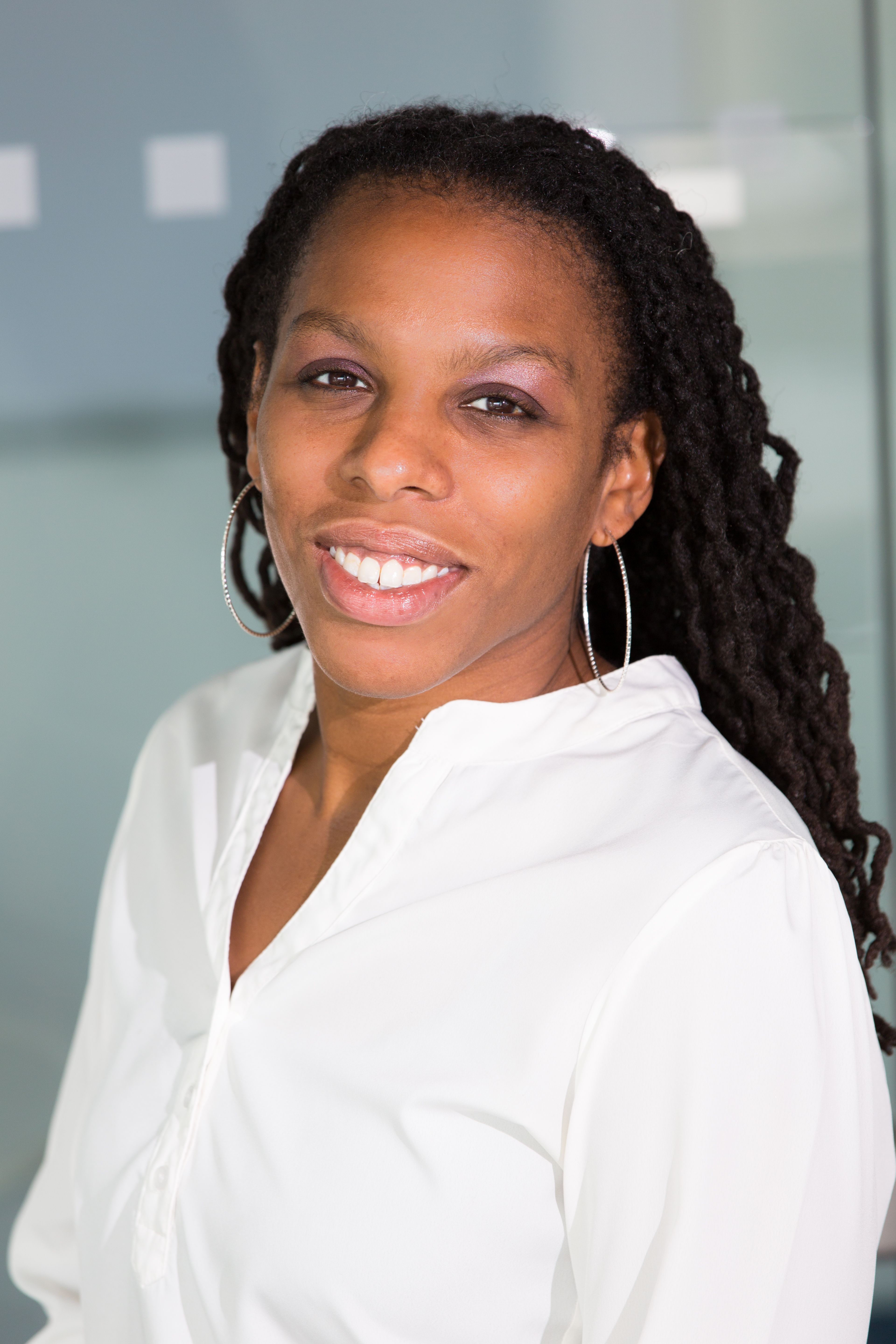
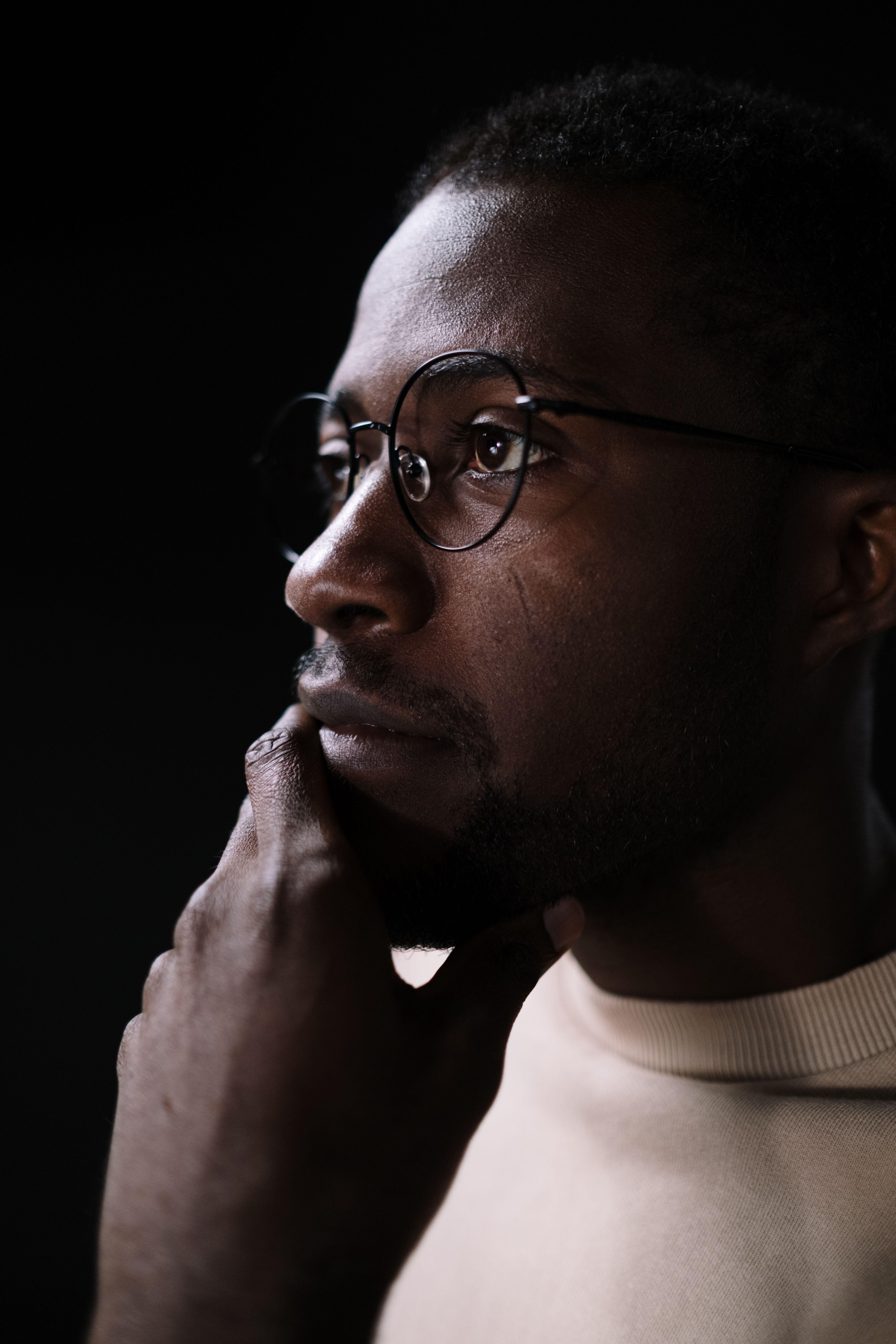
- Portrait cutout — upload a portrait, run Auto Remove, and the AI isolates the person against a transparent background.
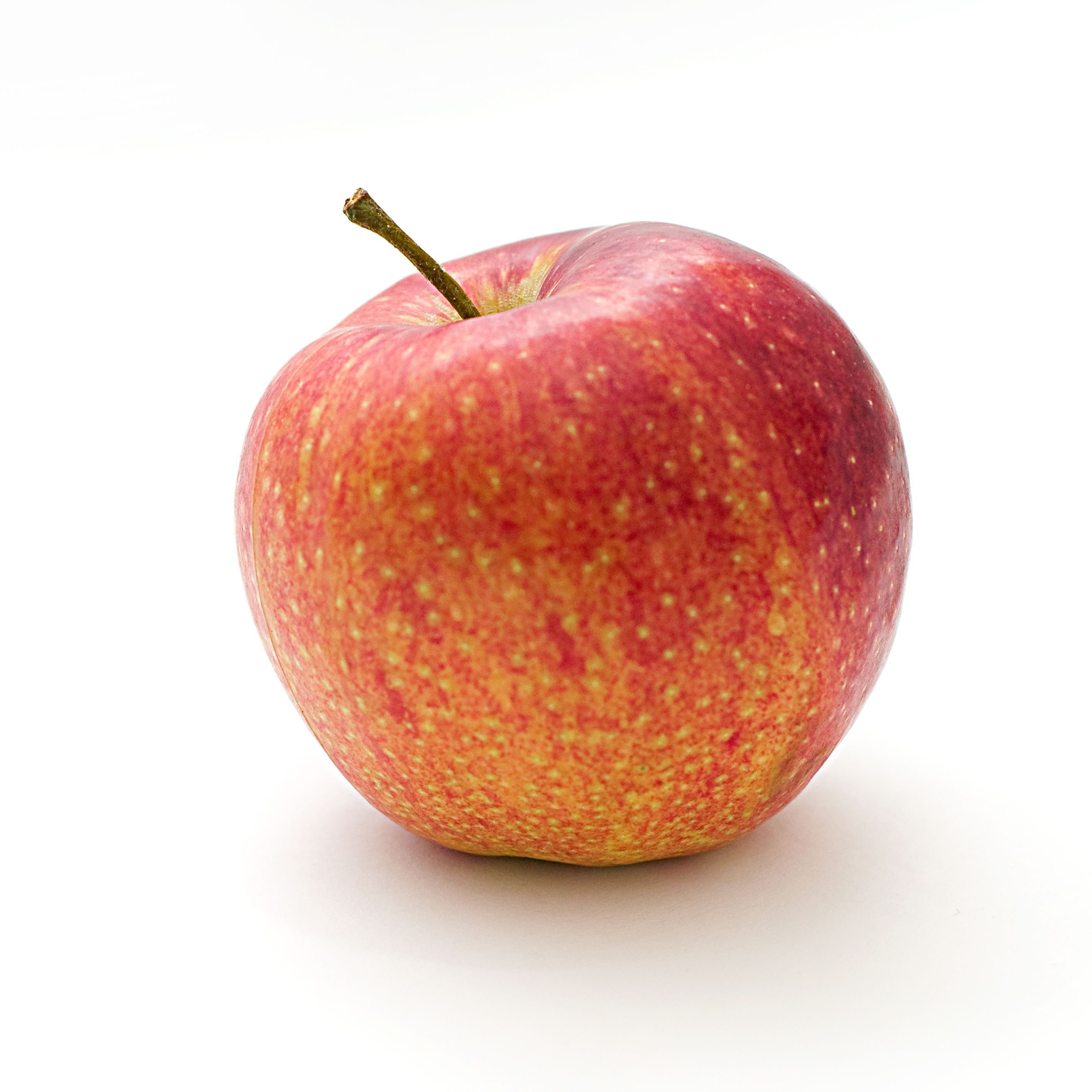
- Product on white — for a studio shot on a white backdrop, use Color Threshold, click the white area, and raise the tolerance until the background clears.
- Edge cleanup — switch to Manual Brush and paint green over stray areas or red over leftovers, using undo if a stroke goes wrong.
- Slide-ready PNG — export the result as PNG to keep crisp transparency for a presentation or mockup.
- Web-ready WebP — re-encode to WebP and set the quality slider to trim file size for a website.
- Size check — compare the original and result sizes shown in the panel to decide whether the format and quality are right.
Tips and Common Mistakes
- First auto run needs the model — the AI model downloads about 25 MB the first time and is cached, so the first removal can take longer.
- Everything runs locally — your image is processed in the browser and is not uploaded, so sensitive images stay private.
- Match the mode to the background — use Color Threshold for flat backdrops and Auto for busy scenes with a clear subject.
- Refine rather than redo — small brush touch-ups usually beat re-running the whole removal.
- Keep the 10 MB limit in mind — very large files may need resizing first, since inputs are capped at 10 MB.
- Choose the format wisely — PNG for quality and WebP or AVIF for smaller files, adjusting the quality slider when you re-encode.
Common Use Cases
Clean cutouts are useful far beyond design work. These are some common places where a quick background removal helps.
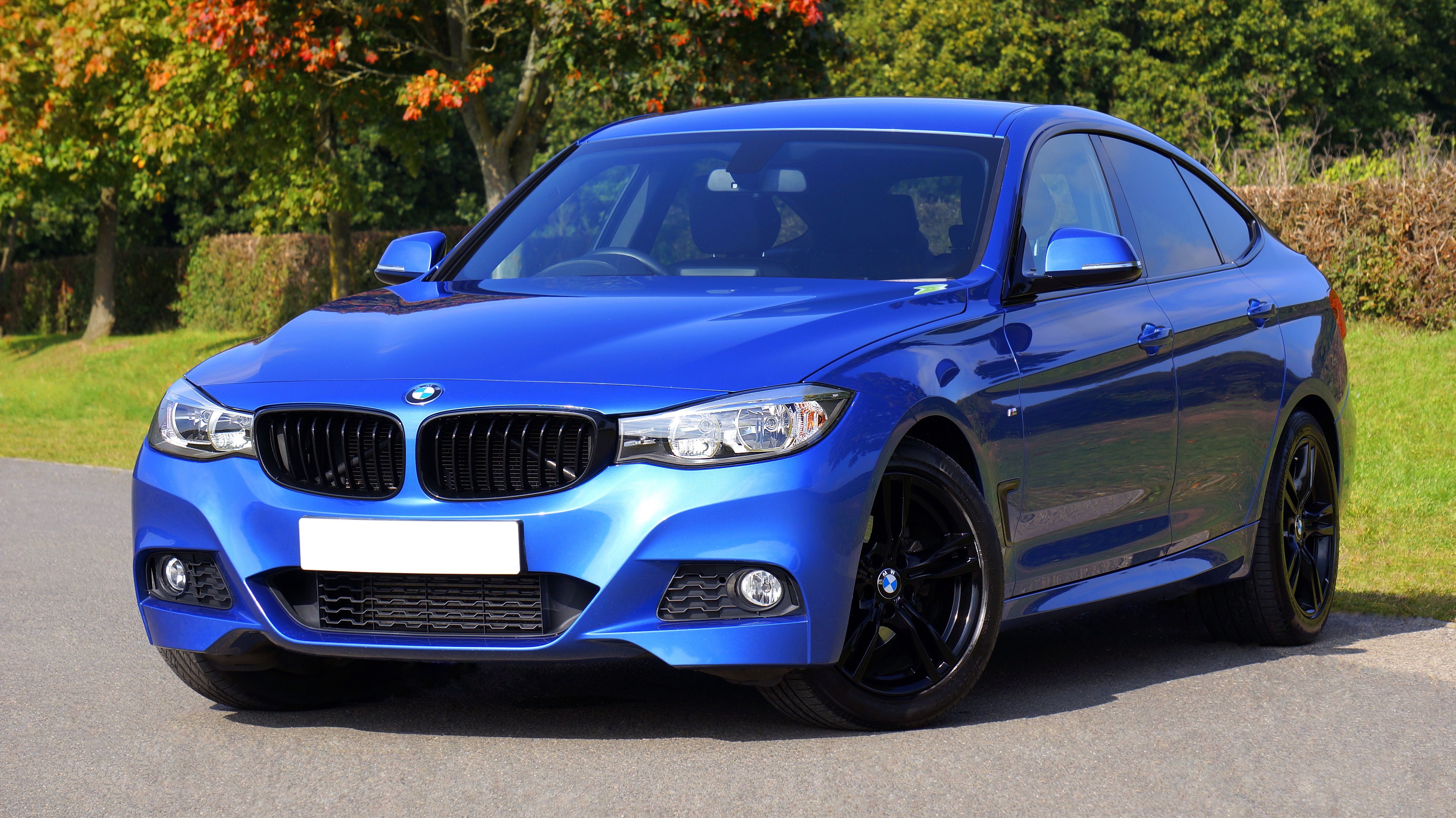
- Product photography — place items on a clean, consistent background for an online store.
- Profile and avatar images — cut out a headshot for a profile or team page.
- Marketing and social posts — drop a subject onto a branded or colored backdrop.
- Presentations and documents — add transparent cutouts to slides and reports.
- Design mockups — composite subjects into new scenes and layouts.
- Web performance — re-encode to WebP or AVIF to keep transparent images small and fast.
Frequently Asked Questions
Is this free to use?
Yes, completely free. All processing happens in your browser using AI — no server uploads, no hidden costs.
What image formats are supported?
You can upload JPEG, PNG, and WebP images up to 10 MB. Results can be downloaded as PNG, WebP, or AVIF with transparency.
Why does it need to download a model on first use?
The AI model runs entirely in your browser using WebGL/WASM for fast, private processing. It downloads once, roughly 25 MB, and caches locally for future use.
How accurate is the background removal?
The AI model handles most images well — people, products, animals, and objects with clear subjects. For complex edges, use the Color Threshold or Manual Brush tools to refine.
What is the difference between the three modes?
Auto Remove uses the AI model for general photos. Color Threshold removes pixels near a color you pick, within a tolerance, for plain backgrounds. Manual Brush lets you paint to keep or erase exact areas by hand.
Can I reduce the output file size?
Yes. Re-encode to WebP or AVIF and lower the quality slider. The panel shows the original and result sizes so you can compare before downloading.
Where is my image processed?
Everything runs locally in your browser, including the AI model. Your image is never uploaded to a server.
Can I undo brush strokes?
Yes. The Manual Brush mode includes an undo control that reverses your last stroke, and you can switch between keep and remove while you work.